Gemini Guided Vision helps blind users explore everyday life
Gemini Guided Vision brings spoken camera descriptions to Android for blind and low-vision users. Find out how it works, who can access it and its limits.

Gemini Guided Vision gives blind and low-vision users spoken descriptions of what their Android phone camera can see. Launched on 1 October, it lets people ask questions about everyday objects and receive spoken prompts to bring things into clearer view.
The feature works inside Gemini Live, the app’s conversational voice mode. It can help with tasks such as reading a menu or checking clothing colours, although its answers can contain mistakes.
What can Guided Vision do?
Users can share their camera and ask about small print, objects, colours and patterns. Follow-up questions allow them to request more detail without starting a new conversation.
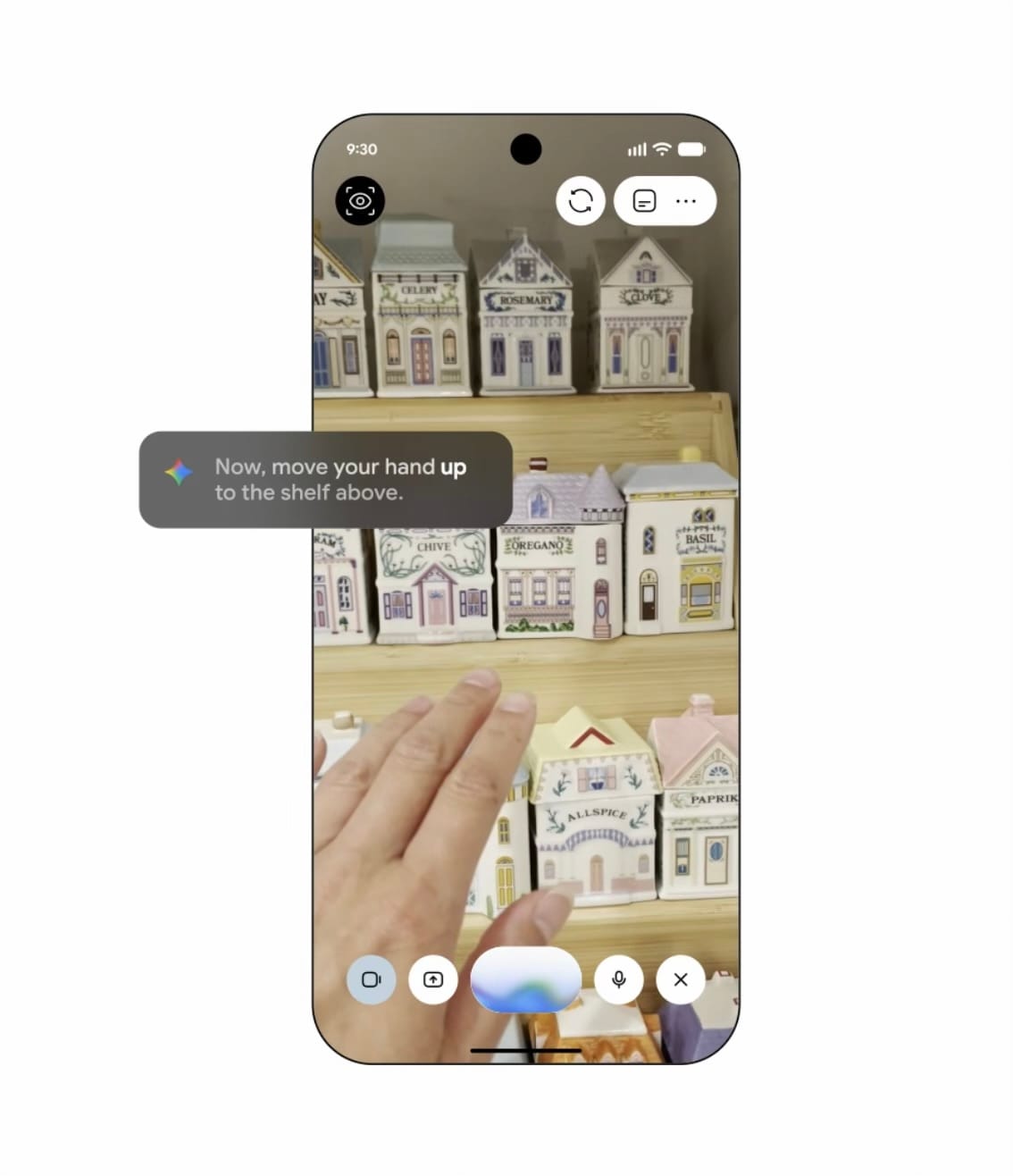
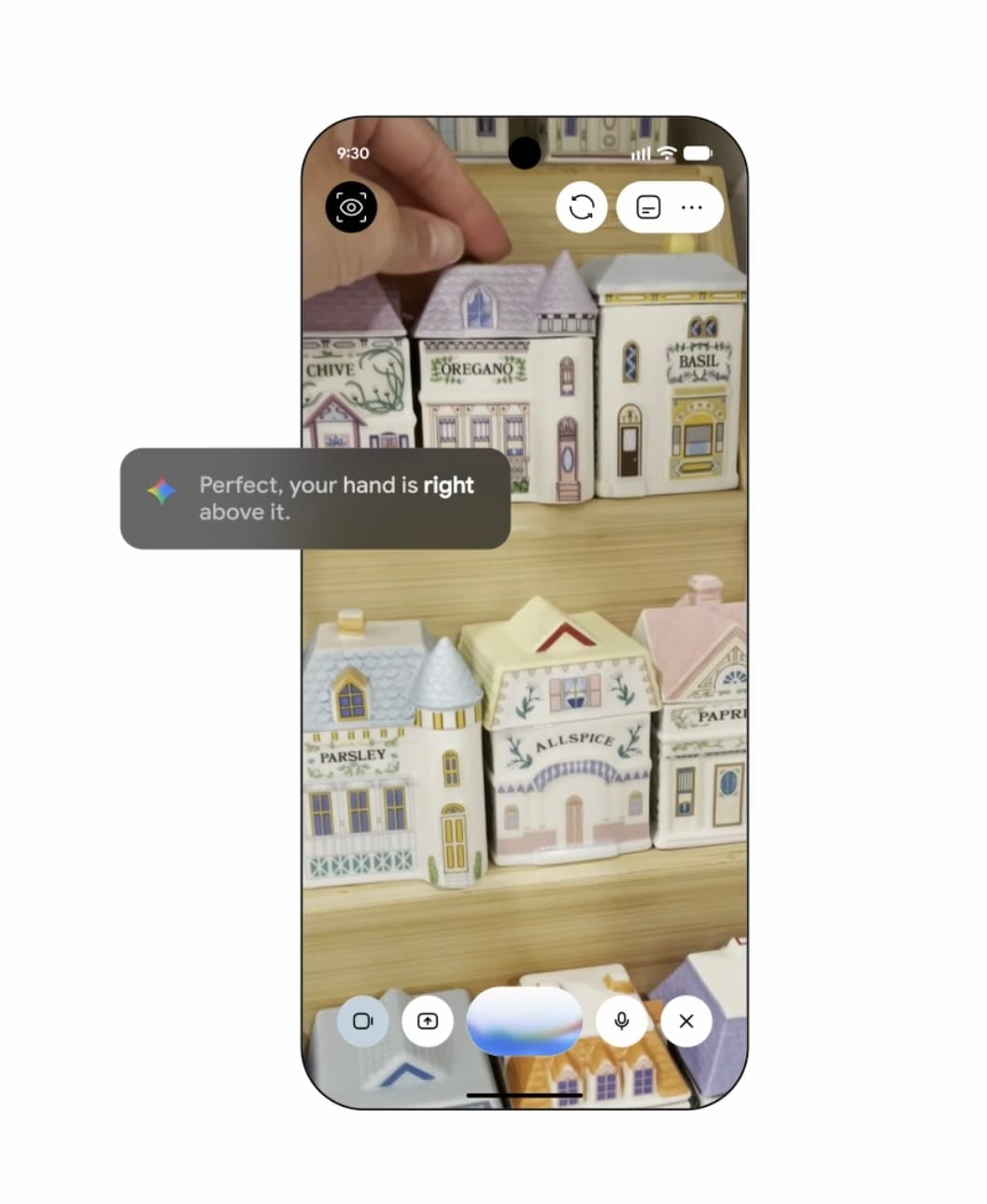
If something is out of view, Guided Vision can suggest adjusting the camera’s position or angle. This could help someone centre a food label, inspect an appliance display or find an item among other household objects.
These are intended capabilities rather than results from our own testing. SoapLandTV has not downloaded or independently tested the feature.
Who can use it?
Guided Vision requires a compatible Android device running Android 9 or later. The Gemini mobile app also requires at least 2GB of RAM, the device’s working memory, and does not support Android Go.
The UK and US are supported Gemini mobile-app countries, but Guided Vision is rolling out gradually. No iPhone or iPad version was announced at launch.
Users must sign in with an eligible Google account, and the feature’s published eligibility notes specify ages 18 and over. The launch information does not specify a separate paid subscription for Guided Vision.
How to get started
Update the Gemini app, open your profile settings and look for Use Guided Vision in Live. Once enabled, start Gemini Live and share your camera.
If the setting is missing, the rollout may not have reached your account. A compatible phone alone does not guarantee immediate access.
Know its limits
Guided Vision must not be used for navigation, obstacle detection or safe-travel guidance. It is not a medical device or a replacement for established mobility aids, including a white cane.
Camera sharing also requires care with privacy. Ask permission before including other people in a Live conversation, and avoid showing private information.
For blind and low-vision Android users, Guided Vision could make everyday visual information easier to access through conversation. Its value is in providing additional descriptions and answers, while familiar mobility aids and safe-travel practices remain essential.